Area Inches

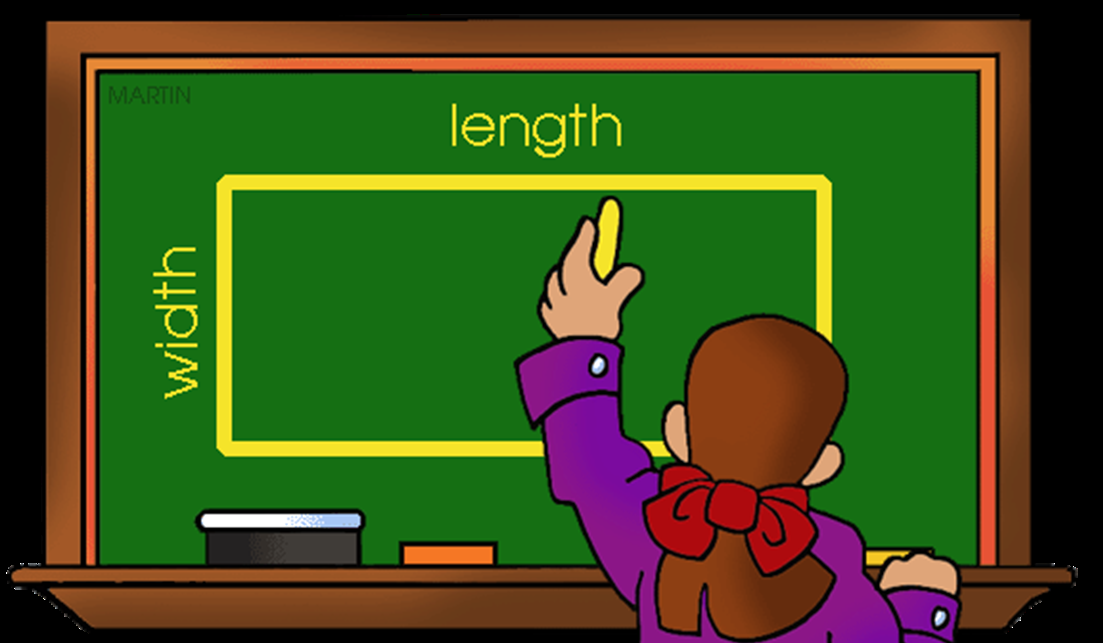 For some projects you will be asked to measure the area of pallets or space on the floor a certain product category is displayed. To calculate the area of a display, you will need to just measure the width and the length and then use math to find the area. (Width X Length).
Math Example:
24" Width X 48" Length= 1,152" Total Area
*Please remember we want to calculate total area inches. So when measuring, first convert into inches your length and width measurements, then multiply width in inches X length in inches = total area inches!
Let's take a deeper dive and go back to geometry class for some review. Depending on how you are capturing your data, calculating the area may require a couple of steps. There is more than one way to arrive at the area total, just pick one method that works best for you and stick to it. As we are talking about the total area, it may help to think of it as square inches.
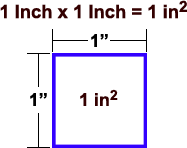
- You collect your length and width measurements in inches, so just straight multiplication
- Example: 24 inches X 36 inches = 864 Total Area
- Convert to inches from heel-to-toe measurement, remember order of operations for this method.
- You measured your foot prior to your visit in your shoe: Heel to Toe Length = 13 inches
- Example: Width = 3 heel-to-toes and Length = 5 heel-to-toes
- (3 X 13) X (5 X 13) = (you have to do order of operations first)
- 39 X 65 = 2,535 Total Area
- Convert From Square Feet to Square Inches
- Your measurement is already in square feet usually based on the tiles on the floor
- 2' X 4' = 8 square feet
- 8 X 144 = 1,152 Total Area (or square inches)
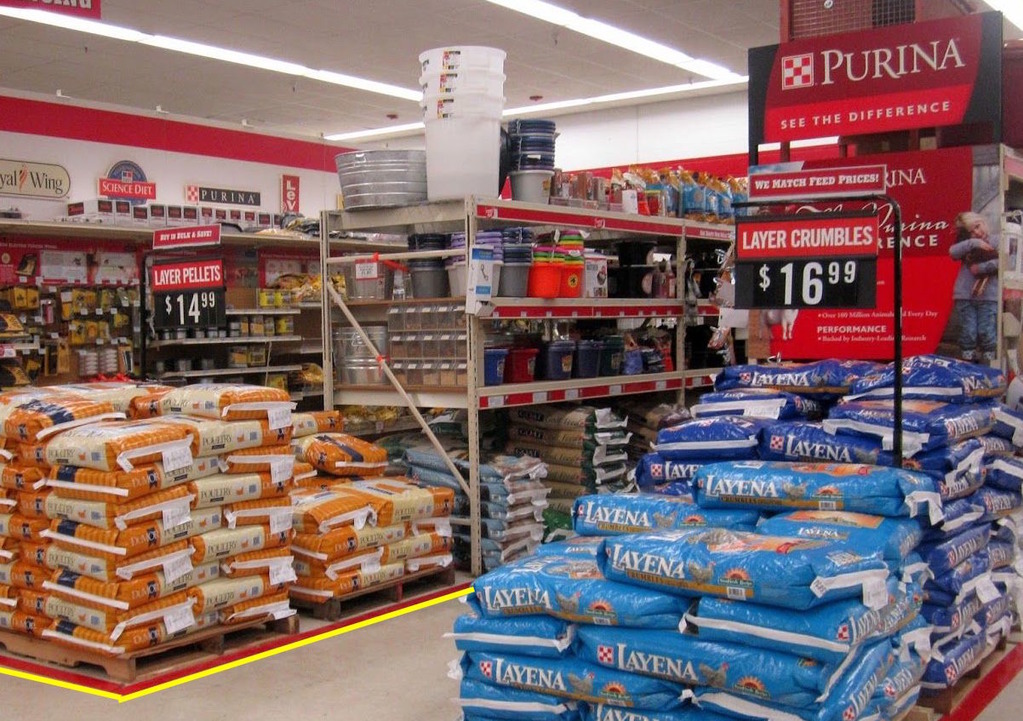
Below is an example of measuring the area for pet food. Notice the yellow line, measure the length and the width, and then multiply to get the area.
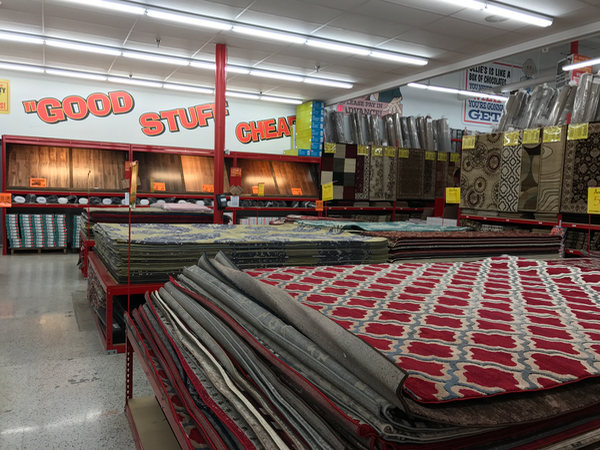
The same applies for the red line around the below display of potting soil. Measure the width and the length and multiply.

If the pallets or display tables are all the same size, you only need to measure once, then multiply your inches by the number of displays.
Comments
0 comments
Please sign in to leave a comment.