Revising &/Or Resubmitting a Survey

Occasionally, you may need to edit or resubmit a survey you have already submitted.
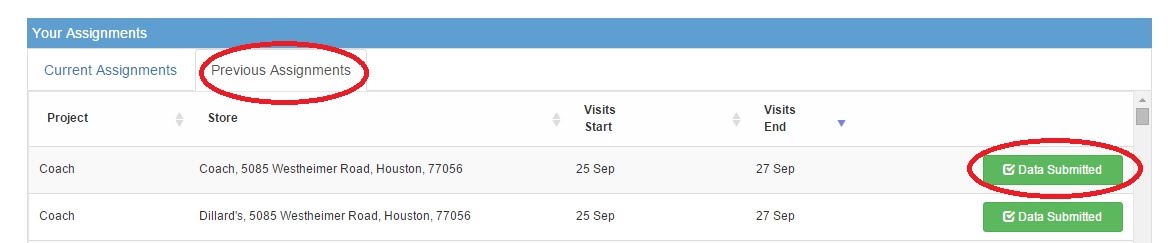
After you have submitted data, the assignment will move from the Current Assignments tab to the Previous Assignments tab.
To edit or resubmit data, go to the Previous Assignments tab, find the project for which you would like to resubmit data and click “Data Submitted.”
To revise your data: Choose “Make Changes”.
To start over and resubmit data: Choose “Delete & Start Again” (please note, this option completely deletes the submitted survey and you will start over with a blank survey).

Comments
0 comments
Please sign in to leave a comment.