Troubleshooting H&CO VMS Overview

The following issues can occur when signing into the updated VMS:
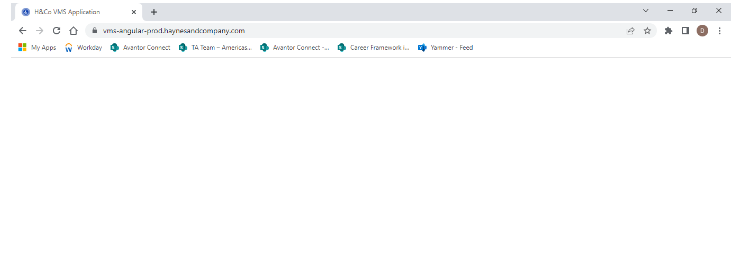
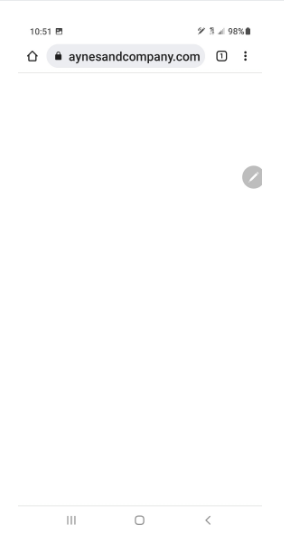
- Blank screens upon opening the VMS in the browser (desktop and/or mobile). Please follow the links below (in order) to troubleshoot and resolve the issue.
Desktop example:
Mobile example:
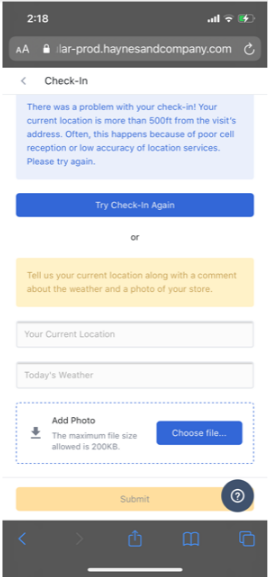
- Unable to check in for the visit. Please follow the order of steps below to resolve the issue.
- Step 1: Check In Is Not Working
- Step 2: Opening an Incognito Window
- Step 3: Clear Browsing History
Check in error examples:
- Issues with submitting surveys. Please follow the links below (in order) to troubleshoot and resolve the issue.
- Step 1: Clear Browsing History
- Step 2: Survey Submission Issues
Comments
0 comments
Please sign in to leave a comment.