Changing VMS Password

Changing VMS Password
If you need to change your VMS password:
- Navigate to the VMS to your VMS dashboard https://vendor.haynesandcompany.com/
- Select the Settings gear in the upper right of your VMS dashboard, then click on User Settings.
(If you have forgotten your password, please see Forgot VMS Password.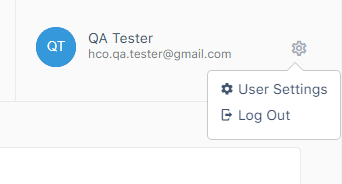
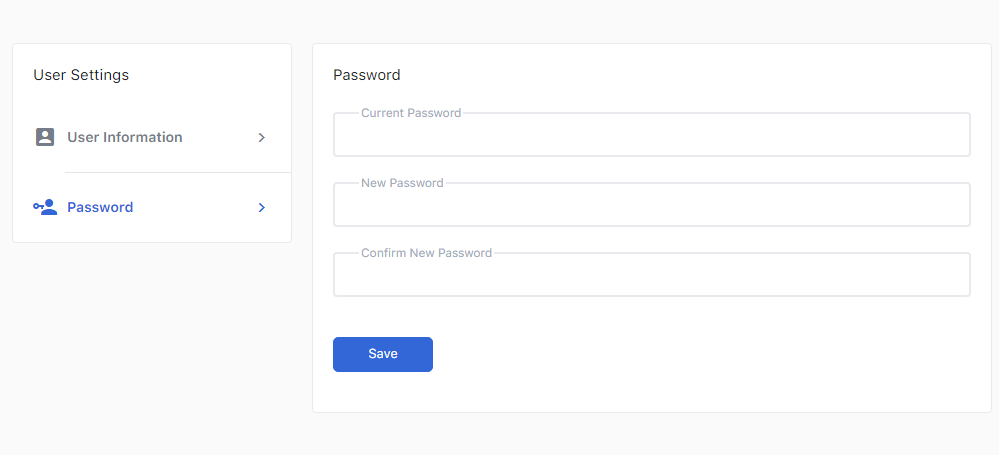
- On the User Settings page, click on Password to make changes to your password in the VMS.
-
Fill out the fields to update your password.
-
Click "Save" to confirm the changes.
Comments
0 comments
Please sign in to leave a comment.